Portfolio
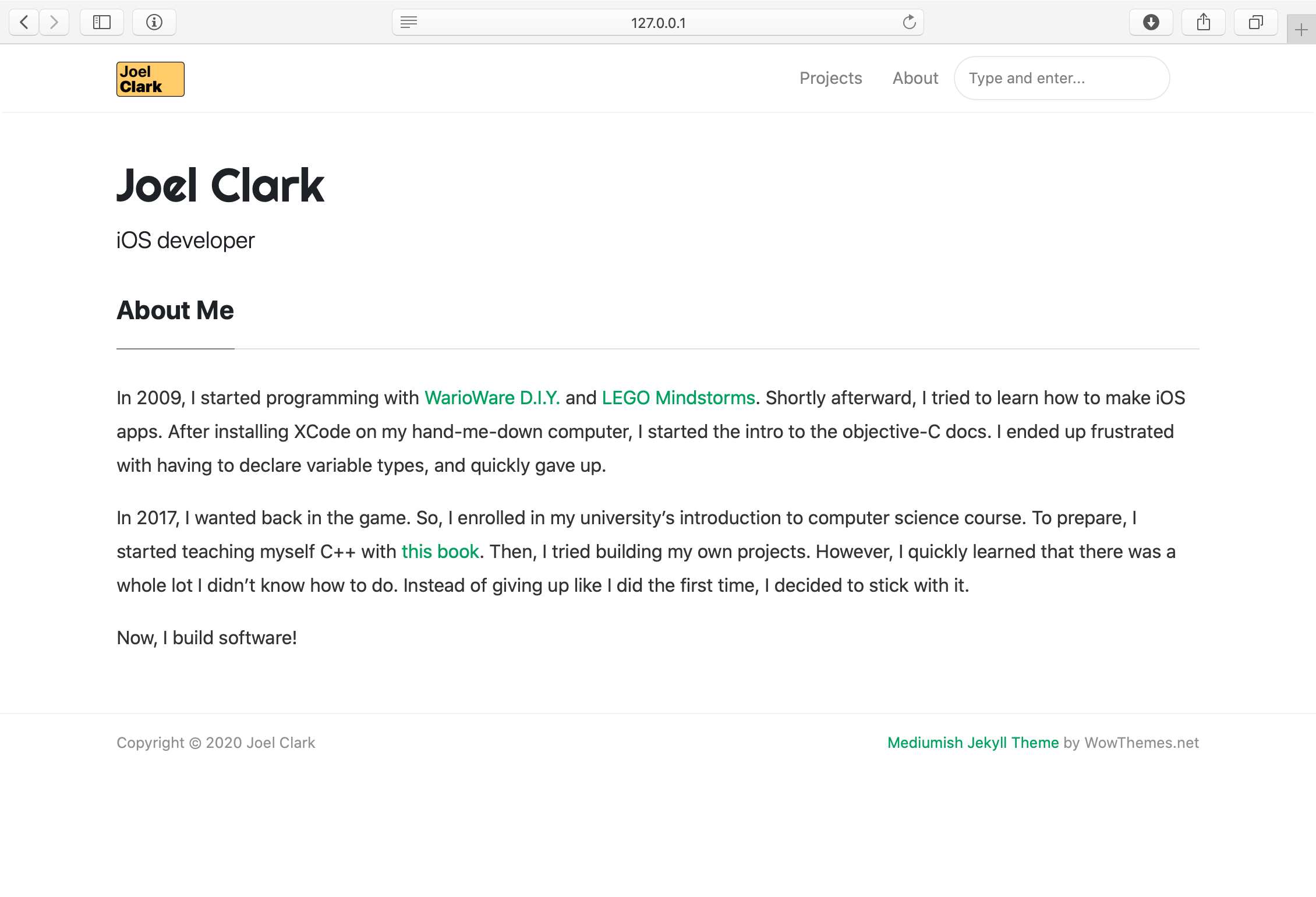
Using: HTML, Markdown, Git
As a job-seeking (re: unemployed) iOS Developer, I want to be as competitive an applicant as I can, and I think that means making a portfolio to showcase my capabilities. Plus, it gives me a place to reflect on and synthesize my progress.
This has taken a couple days to get up and running - here’s the story of how I did it.
Background
Over the summer of 2018, I worked with Laravel, Wordpress, and Statamic to learn web app development. I took a dive into the theory without actually building anything for production, hoping to end up using it someday.
Today, that research paid off!
Preparation
First, I had to answer these questions about my portfolio:
Where do I host it?
Here’s what made this an easy problem to solve: I didn’t want to spend any money. So, I had about two options:
First, I had to make sure that GitHub pages had custom theme support. After all, this portfolio’s mostly about marketing, and GitHub Pages’ default themes look pretty outdated.
I chose GitHub because I prefer the domain name and know it’s capable of serving my needs.
What theme do I choose?
One Google search for “free jekyll themes” led me right here. There were a few I liked, but I decided on WowThemes’ Mediumish theme pretty quickly, as I’ve always been a fan of Medium’s minimal, whitespace- and typography-conscious style.
Now, it’s time for the next step.
Hello, World
This was tough. GitHub pages is pretty easy to set up, if you just want to add an Index.html file. However, to get it working with Jekyll, I had to figure out a few things:
Jekyll Configuration
First, I just wanted to get the site running on localhost. Working through GitHub’s tutorial, I had some trouble, because of inexperience with Ruby and its dependency manager, Bundler.
After a rough hour of spot-troubleshooting, I got everything update, and learned how to configure a Gemfile. From here, I got Jekyll working on my computer! Unfortunately, it didn’t work at all on GitHub pages.
GitHub pages does not support the latest version of Jekyll. Fortunately, there’s a github-pages Gem. Thanks to my eariler troubleshooting, I got this installed pretty quickly and launched the blank Jekyll site without trouble.
Theme installation
To support the mediumish theme, all I had to do was change the YAML configuration file, simply replacing:
theme: 'minima'with:
remote-theme: 'wowthemesnet/mediumish-theme-jekyll'This got default Mediumish up and running just fine, and when I checked out the repo, I saw that it functioned a lot like Statamic. This meant it was time for the next phase:
Customization
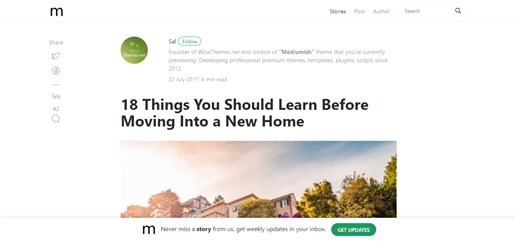
That’s the default Mediumish layout. As of right now, I’ve only made three changes:
- Included my custom icon in the header and favicon
- The navbar sections: projects and about
- The main page says “all projects” instead of “all posts”
To customize a Jekyll theme, GitHub pages only requires that you include a file in your repository with the same name and path as the one you want to change from the original repository.
Becuase of my work with Statamic, Laravel and Wordpress, I was familiar with how a CMS composes its views. So, I copied the _layouts folder from the remote repo into mine, as well as index.html. A few quick changes later, I now have a free, custom portfolio.
Conclusion
Setting this site up was tough, and editing things takes more effort than I’d like. However, I have access to all the files if I ever want to move the site, and the posts are written in Markdown. So, they’ll probably be supported if I want to move this to a new site.
For now, this site will work! Plus, it’s free